
- Published on Monday, June 22, 2026, last updated
Code Review Automation: Tools, Workflows, and Best Practices for Faster Pull Requests
- Authors

- Name
- Sydney Cohen
- @chnsydney
Table of Contents
- What is code review automation?
- Why teams automate code review
- What parts of code review should be automated?
- What should not be automated?
- Best code review automation tools
- Example automated code review workflow
- Code review automation best practices
- Code review automation checklist
- Common mistakes with code review automation
- FAQ
- Final thoughts
Code reviews are supposed to improve code quality. Too often, they become the slowest part of the development workflow.
A pull request is opened. CI starts running. A reviewer gets assigned, maybe. A notification lands somewhere in GitHub, GitLab, Slack, email, or all of them at once. Someone leaves a comment. The author misses it. A test fails. The reviewer forgets to come back. Two days later, the PR is stale, the author has lost context, and everyone agrees that code reviews are important while quietly hating the process.
That is exactly where code review automation helps.
But code review automation is not only about AI leaving comments on your pull requests. The best teams automate the whole review workflow: objective checks, reviewer assignment, PR notifications, CI/CD visibility, stale PR reminders, merge readiness, and collaboration around the change.
This guide breaks down what to automate, what to keep human, and which tools can help you build a faster pull request review process without lowering the bar on code quality.
Axolo is a Slack app to help techteams review pull request seamlessly
What is code review automation?
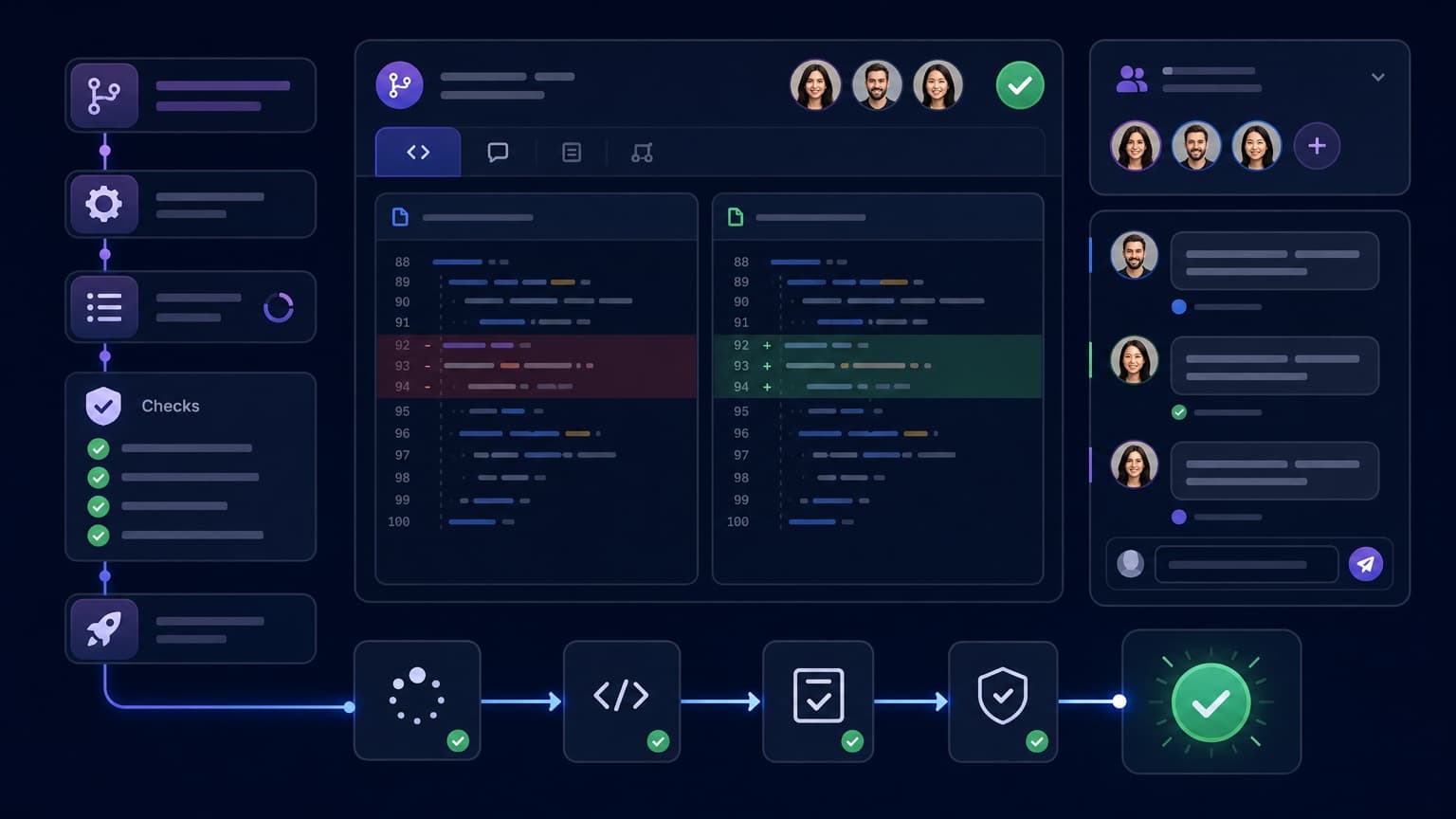
Code review automation is the practice of using tools, rules, and workflows to remove repetitive manual work from the pull request review process.
In practice, it can include:
- Running tests, linters, type checks, and security scans automatically
- Assigning the right reviewers based on ownership or changed files
- Notifying reviewers when a PR needs attention
- Reminding teams about stale pull requests
- Summarizing changes with AI
- Blocking merges until required checks pass
- Creating a shared space for PR discussion
- Updating the team when CI, deployment, or review status changes
The goal is not to remove human reviewers. The goal is to let humans focus on judgment: architecture, product behavior, edge cases, maintainability, performance, and risk.
Machines should catch the boring issues. Humans should catch the important ones.
Why teams automate code review
Most review bottlenecks are not caused by bad engineers. They are caused by coordination failure.
A reviewer did not know they were blocking someone. A CI failure was buried in a notification feed. A PR was too large. The author forgot to request a second review. A comment was left in GitHub while the real conversation happened in Slack. Nobody knew whether the PR was ready, waiting, stale, or safe to merge.
Good automation makes the state of a pull request obvious.
It helps teams:
- Reduce time to first review
- Avoid stale pull requests
- Keep CI and review status visible
- Remove repetitive comments about formatting or style
- Route PRs to the right reviewers
- Make merge requirements consistent
- Reduce context switching between GitHub, GitLab, Slack, and CI tools
- Improve code quality without slowing developers down
If your engineering team ships through pull requests, code review automation is one of the highest-leverage places to improve developer productivity.
What parts of code review should be automated?
Not every part of review should be automated. But many parts should be.
1. Formatting and style checks
Humans should not spend review energy debating indentation, quotes, import order, or trailing commas.
Use tools like Prettier, ESLint, Ruff, Black, gofmt, or language-specific formatters to make style automatic. Run them locally and in CI.
A good rule: if a comment can be enforced by a linter, it should not be a human review comment.
2. Tests and type checks
Every pull request should automatically run the fastest checks that protect the codebase:
- Unit tests
- Type checks
- Linting
- Build checks
- API contract tests
- Integration tests where practical
The goal is to give reviewers confidence before they spend time reading the code. If CI is red, the PR is usually not ready for deep review.
3. Security and dependency checks
Security automation catches issues reviewers may miss, especially in larger teams.
Useful checks include:
- Dependency vulnerability scanning
- Secret detection
- Static application security testing
- License compliance
- Container image scanning
- Infrastructure-as-code checks
Tools like GitHub Advanced Security, CodeQL, Snyk, Semgrep, Dependabot, and Renovate can help here.
4. Reviewer assignment
Manual reviewer assignment often creates delays. Either the author forgets to assign someone, or they choose the same overloaded senior engineer every time.
Automated reviewer assignment can use:
- CODEOWNERS files
- Team ownership rules
- Round-robin assignment
- File path matching
- Repository expertise
- Workload balancing
This is especially useful when teams grow beyond a handful of developers.
5. Pull request notifications
Pull request notifications are only useful if they reach the right people at the right time.
Too few notifications create stale PRs. Too many notifications create noise, and engineers stop paying attention.
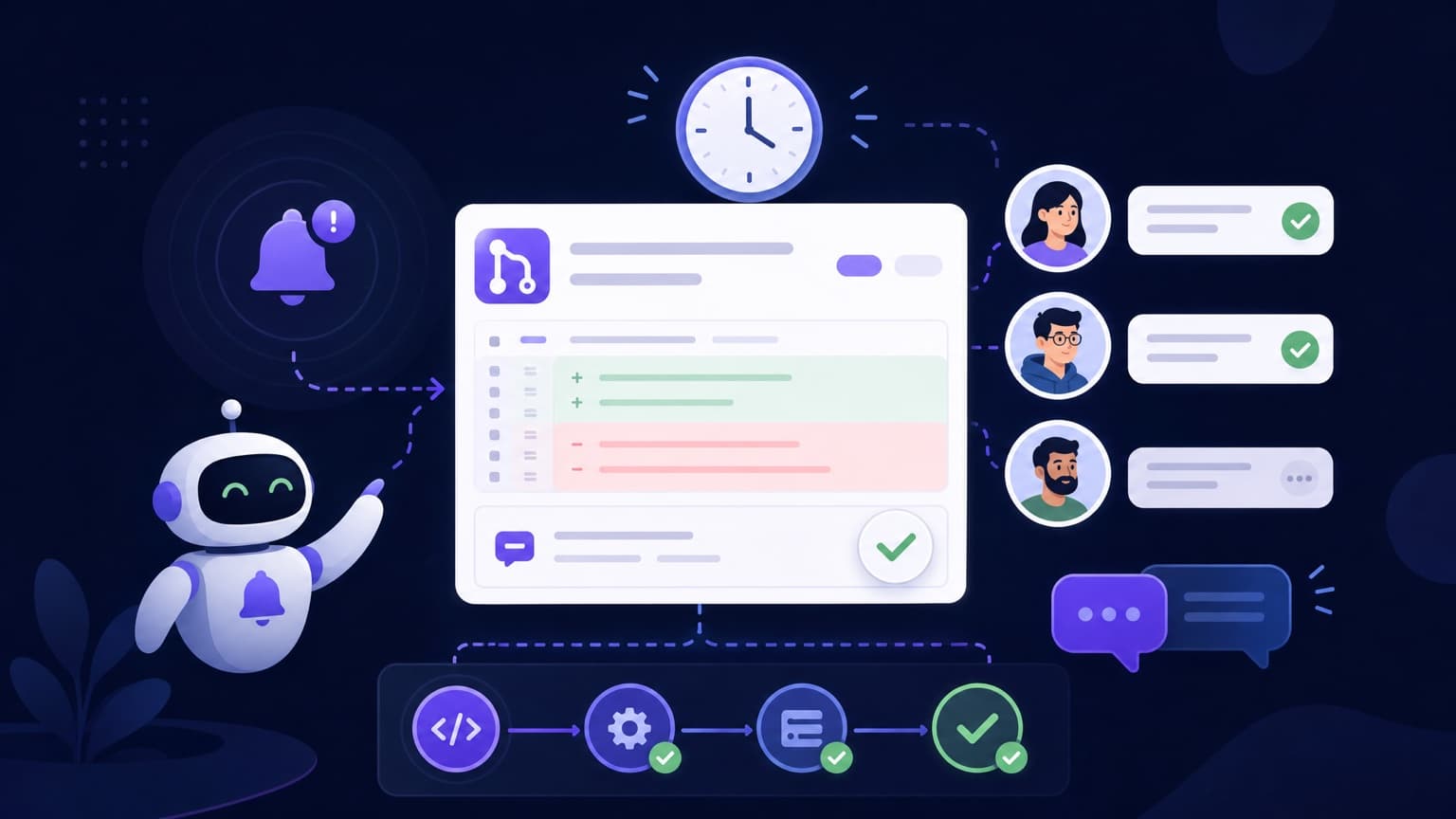
The best setup sends targeted updates for events that matter:
- A PR is ready for review
- A reviewer is requested
- CI fails or recovers
- A comment needs a response
- A PR is approved
- A PR is stale
- A PR is merged or deployed
For teams working in Slack, this is where a tool like Axolo helps: each PR gets its own Slack channel, the right people are invited, and CI/CD or review updates stay attached to the right conversation.
6. Stale PR reminders
A stale PR is expensive. The author loses context. Reviewers forget the tradeoffs. The branch drifts from main. Merge conflicts become more likely.
Automated reminders help teams keep PRs moving without relying on someone manually chasing reviews.
A simple policy can work:
- No review after 24 hours: notify reviewers
- No author response after changes requested: notify author
- CI failing for more than 12 hours: notify author
- PR open for more than 5 days: flag as stale
The exact timing depends on your team. The important part is that the workflow is explicit.
7. Merge readiness
A PR should be easy to classify:
- Draft
- Ready for review
- Waiting on CI
- Waiting on reviewer
- Changes requested
- Approved
- Ready to merge
- Blocked
Branch protection rules, required checks, merge queues, and review requirements can automate merge readiness and reduce ambiguity.
What should not be automated?
Code review automation should support human judgment, not replace it.
Keep humans responsible for:
- Architecture and design tradeoffs
- Product behavior
- Risk assessment
- Security-sensitive decisions
- Performance implications
- Data migrations
- User-facing copy and UX
- Whether the solution is actually necessary
AI and static analysis tools can highlight suspicious code. They cannot reliably understand your business context, your customers, your roadmap, or the tradeoffs your team is making.
A useful mindset: automate checks, not accountability.
Best code review automation tools
There is no single tool that automates the entire review process perfectly. Most teams combine several tools.
GitHub native automation
GitHub includes many automation primitives:
- Branch protection rules
- Required checks
- CODEOWNERS
- Pull request templates
- GitHub Actions
- Dependabot
- CodeQL
- Merge queue
- Scheduled reminders through the GitHub Slack app
This is the natural starting point for GitHub teams. You can enforce quality gates, run CI, request reviews, and automate security checks without adding much complexity.
Where GitHub can fall short is cross-tool coordination. Review conversations, CI failures, and team discussions often still get scattered between GitHub, Slack, and email.
GitLab merge request automation
GitLab offers strong built-in workflow automation:
- Merge request approvals
- Approval rules
- Code owners
- GitLab CI/CD
- Security scanning
- Merge trains
- Discussion resolution requirements
For teams already using GitLab, this can cover a large part of the review workflow. As with GitHub, the gap often appears when engineering conversations happen outside the platform.
CI/CD tools
CI tools are the backbone of code review automation.
Common options include:
- GitHub Actions
- GitLab CI/CD
- CircleCI
- Jenkins
- Buildkite
- Azure Pipelines
Your CI should answer one basic question before a human reviewer spends time: is this change mechanically safe enough to review?
Static analysis and quality tools
These tools catch code quality, maintainability, and security issues automatically:
- SonarQube / SonarCloud
- CodeQL
- Semgrep
- DeepSource
- Snyk Code
- ESLint
- Ruff
- PMD
- Checkstyle
They are especially useful when teams agree on rules and avoid turning every possible warning into a merge blocker.
Dependency automation tools
Dependency updates and vulnerability fixes are repetitive. Automate them.
Useful tools include:
- Dependabot
- Renovate
- Snyk
- Mend
For best results, group low-risk updates, auto-merge safe patches when tests pass, and route risky dependency changes through normal review.
AI code review tools
AI review tools can summarize PRs, explain diffs, and flag likely bugs.
Examples include:
- CodeRabbit
- GitHub Copilot code review
- Qodo
- Graphite Agent
- Greptile
- Korbit
These tools are useful for first-pass feedback, documentation, test suggestions, and spotting obvious mistakes. But they should not become the only reviewer for meaningful product or architecture changes.
Use AI as a reviewer assistant, not a reviewer replacement.
Axolo for Slack-based PR workflow automation
Many review delays happen outside the code itself. The PR is fine, but the coordination is broken.
Axolo automates the human coordination layer of code review by connecting GitHub or GitLab with Slack.
Instead of sending every update into one noisy channel, Axolo creates a focused Slack channel for each pull request or merge request. It invites the right people, brings CI/CD updates into the conversation, keeps review context visible, and helps teams follow up on stale PRs.
This is useful when:
- Your team already discusses engineering work in Slack
- PR notifications get lost in GitHub or email
- Reviewers miss requests
- CI failures are not visible enough
- Authors have to manually chase reviews
- Pull requests stay open longer than they should
Axolo does not replace your CI, your branch protections, or your human reviewers. It makes the review workflow easier to follow and faster to complete.
Example automated code review workflow
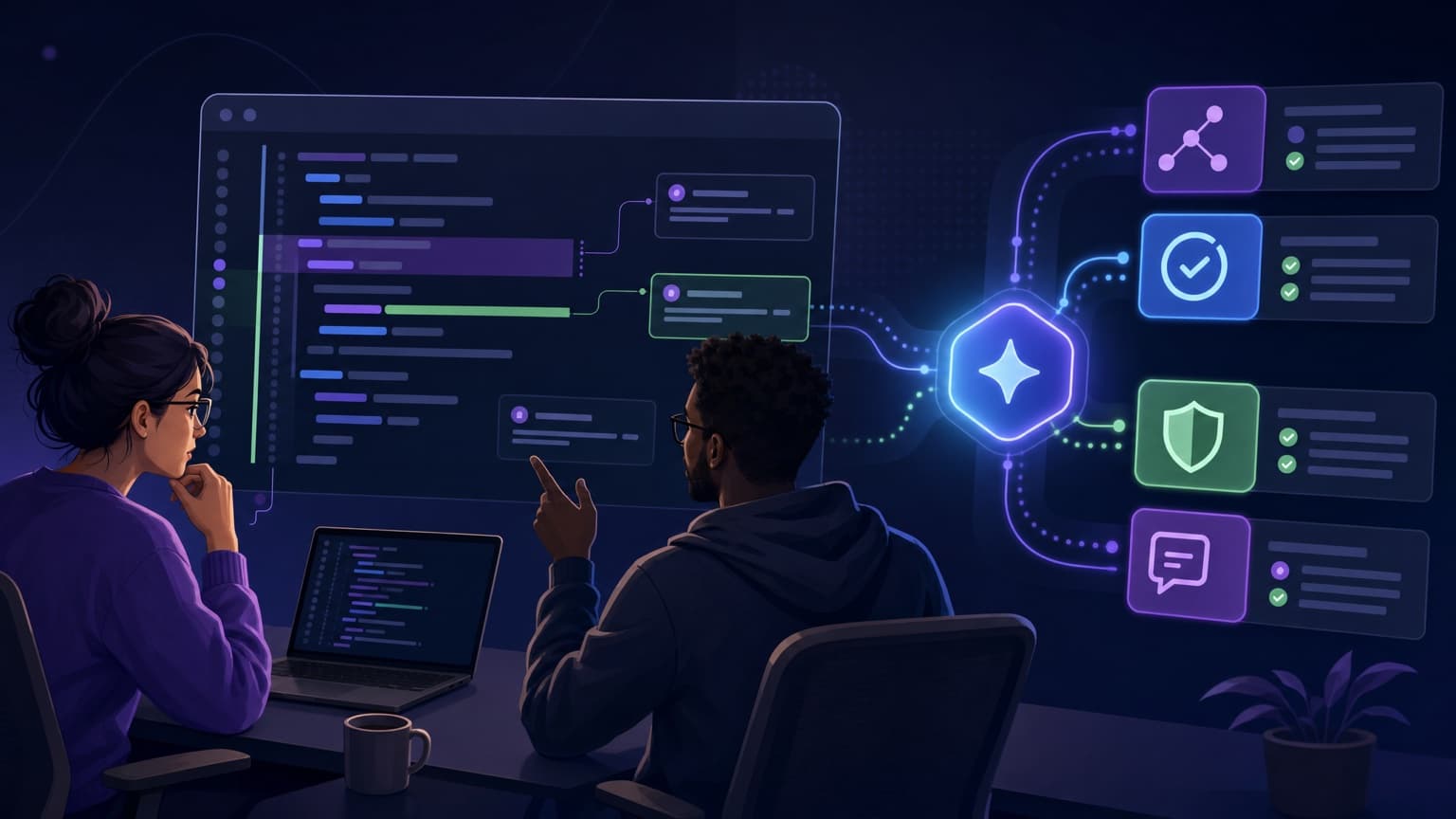
Here is a practical workflow for a GitHub or GitLab team using Slack.
Step 1: Author opens a small PR
The author opens a focused pull request with:
- A clear title
- A short description
- Testing instructions
- Screenshots or logs if useful
- Known risks
- Specific areas where they want feedback
A PR template makes this consistent.
Step 2: CI starts automatically
CI runs:
- Unit tests
- Type checks
- Linters
- Format checks
- Security scans
- Build checks
If CI fails, the author gets notified quickly and fixes the issue before review time is wasted.
Step 3: Reviewers are assigned automatically
CODEOWNERS or team rules assign the right reviewer based on the files changed.
For larger teams, ownership-based assignment is better than asking the same senior engineer to review everything.
Step 4: A dedicated Slack channel is created
Axolo creates a temporary Slack channel for the PR, invites the author and reviewers, and posts relevant PR context.
This gives the team a single place to discuss the change without polluting a general engineering channel.
Step 5: Review happens with context
Reviewers read the diff, leave comments, and ask questions. CI status, comments, approvals, and updates stay visible.
If the discussion needs clarification, the team can talk in Slack without losing the link to the PR.
Step 6: Automation prevents the PR from going stale
If the PR waits too long, reminders notify the right person:
- Reviewer has not reviewed
- Author has not responded
- CI is still failing
- PR is approved but not merged
Step 7: Merge rules enforce quality
The PR can merge only when:
- Required checks pass
- Required approvals are present
- Blocking conversations are resolved
- Branch protection rules are satisfied
The workflow is fast, but not loose.
Code review automation best practices
Keep PRs small
Automation cannot save a 3,000-line PR with no context. Smaller PRs are easier to review, easier to test, and easier to merge.
A good default is to keep PRs under a few hundred lines of meaningful change when possible.
Automate objective checks first
Start with checks that are clearly objective:
- Formatting
- Linting
- Type checking
- Tests
- Build status
- Dependency vulnerabilities
Do not begin by trying to automate subjective architectural judgment.
Avoid noisy notifications
Notification volume matters. If every commit, comment, and status update goes into the same Slack channel, engineers will mute it.
Send targeted notifications to the people who need them. Keep PR-specific updates attached to PR-specific conversations.
Make ownership clear
Every PR should have a clear next owner.
At any moment, it should be obvious whether the PR is waiting on the author, reviewer, CI, product input, or deployment.
Track review speed
Useful metrics include:
- Time to first review
- Time to approval
- Time to merge
- PR age
- Number of review cycles
- Percentage of stale PRs
- CI failure rate
Do not use these metrics to punish individuals. Use them to find workflow bottlenecks.
Keep humans in the loop
A fully automated review process that nobody trusts will fail. Developers should understand what the automation does, why it exists, and how to override it when needed.
The best automation feels like a helpful teammate, not a bureaucratic gatekeeper.
Code review automation checklist
Use this checklist to audit your current workflow.
- Every PR has a clear template
- Formatting is automated
- Linting runs in CI
- Tests run automatically
- Type checks run automatically
- Security scans run on risky changes
- Dependency updates are automated
- Reviewers are assigned automatically
- PR notifications go to the right people
- CI failures are visible to the author
- Stale PRs trigger reminders
- Merge requirements are enforced
- Review status is visible in Slack or your team workspace
- Humans still review architecture, behavior, and risk
Common mistakes with code review automation
Automating too much too early
If your process is unclear, automation can make confusion faster. Document the workflow first, then automate it.
Treating AI feedback as approval
AI can be useful, but it does not understand your full context. Human approval still matters for meaningful changes.
Creating notification spam
A noisy automation setup is worse than no automation. Engineers will mute the channel and miss important updates.
Blocking merges on low-value checks
Not every warning should block a release. Decide which checks are required and which are advisory.
Ignoring the collaboration layer
A green CI pipeline does not mean a review process is healthy. If authors still chase reviewers manually, you have not automated the real bottleneck.
FAQ
What is code review automation?
Code review automation uses tools and workflow rules to automate repetitive parts of pull request review, such as tests, linting, reviewer assignment, notifications, security checks, and stale PR reminders.
Are automated code review tools enough to replace human reviewers?
No. Automated tools are great for objective checks and first-pass feedback. Human reviewers are still needed for architecture, product behavior, maintainability, risk, and context.
What are the best code review automation tools?
The best setup usually combines multiple tools: GitHub or GitLab native rules, CI/CD, static analysis, dependency scanning, AI review assistants, and a collaboration tool like Axolo for Slack-based PR coordination.
How does code review automation improve developer productivity?
It reduces waiting time, avoids stale PRs, catches repetitive issues automatically, keeps reviewers informed, and makes PR status easier to understand.
What should I automate first?
Start with formatting, linting, tests, type checks, and CI. Then automate reviewer assignment, targeted notifications, stale PR reminders, and merge readiness.
Axolo is a Slack app to help techteams review pull request seamlessly
Final thoughts
Code review automation is not about removing people from the review process. It is about removing the coordination tax around pull requests.
Let machines handle formatting, tests, security scans, reminders, and status updates. Let humans focus on the decisions that actually require judgment.
If your team works in Slack, Axolo helps automate the collaboration layer of code review: dedicated PR channels, reviewer context, CI/CD updates, and reminders that keep pull requests moving.
That is the balance most teams need: automated enough to be fast, human enough to stay careful.